JPG To WebP Converter
Convert your JPG/JPEG images to WebP format for better compression.
Drag & Drop JPG files here
or
Import a JPG image directly from a public URL, Google Drive, or Dropbox.
Max file size: 100MB
ℹ️ WebP provides superior compression, often reducing file size by 25-35% compared to JPG.
Your images are processed securely. No files are uploaded or stored on our servers.
Convert JPG to WebP online and instantly reduce your image file sizes by 25–35% without visible quality loss. WebP is the modern image format developed by Google, designed for the web - delivering superior compression, faster page loads, and better Core Web Vitals scores. Whether you're a web developer optimizing assets, a blogger compressing hero images, or an e-commerce seller speeding up product pages, this free tool handles it in seconds.
Unlike PNG conversion which increases file size for lossless quality, WebP gives you the best of both worlds - near-lossless visual output at dramatically smaller sizes. Already have WebP files? Convert them back with our WebP to JPG converter, or explore the full image tools suite for resizing, compression, and format conversions.
25–35% Smaller Files
WebP delivers significantly smaller file sizes than JPG at equivalent visual quality - saving bandwidth and speeding up page loads.
100% Private
No uploads, no servers. All conversion happens in your browser using client-side JavaScript. Your images never leave your device.
Batch Convert
Convert multiple JPG images to WebP at once. Download individually or grab everything as a single ZIP archive.
Google's Format
WebP is built by Google specifically for the web. Supported in Chrome, Edge, Firefox, Safari - and recommended for Core Web Vitals.
How It Works
Convert your JPG/JPEG images to WebP in 4 simple steps. No sign-up, no software, no uploads.
Upload Your Images
Click to select or drag and drop your JPG files. Import from URL, Google Drive, or Dropbox.
Adjust Settings
Set WebP quality level, resize options, and choose presets. Control the balance between file size and visual quality.
Convert Instantly
Processing runs entirely in your browser. No server uploads, no waiting. WebP output generated in seconds.
Download Results
Download each WebP file individually or grab all as a ZIP. Ready to deploy on your website instantly.
Smaller File, Same Quality
Move your cursor across the image to compare. The visual output is identical - WebP simply compresses more efficiently, reducing file size by 25–35% with no visible difference.
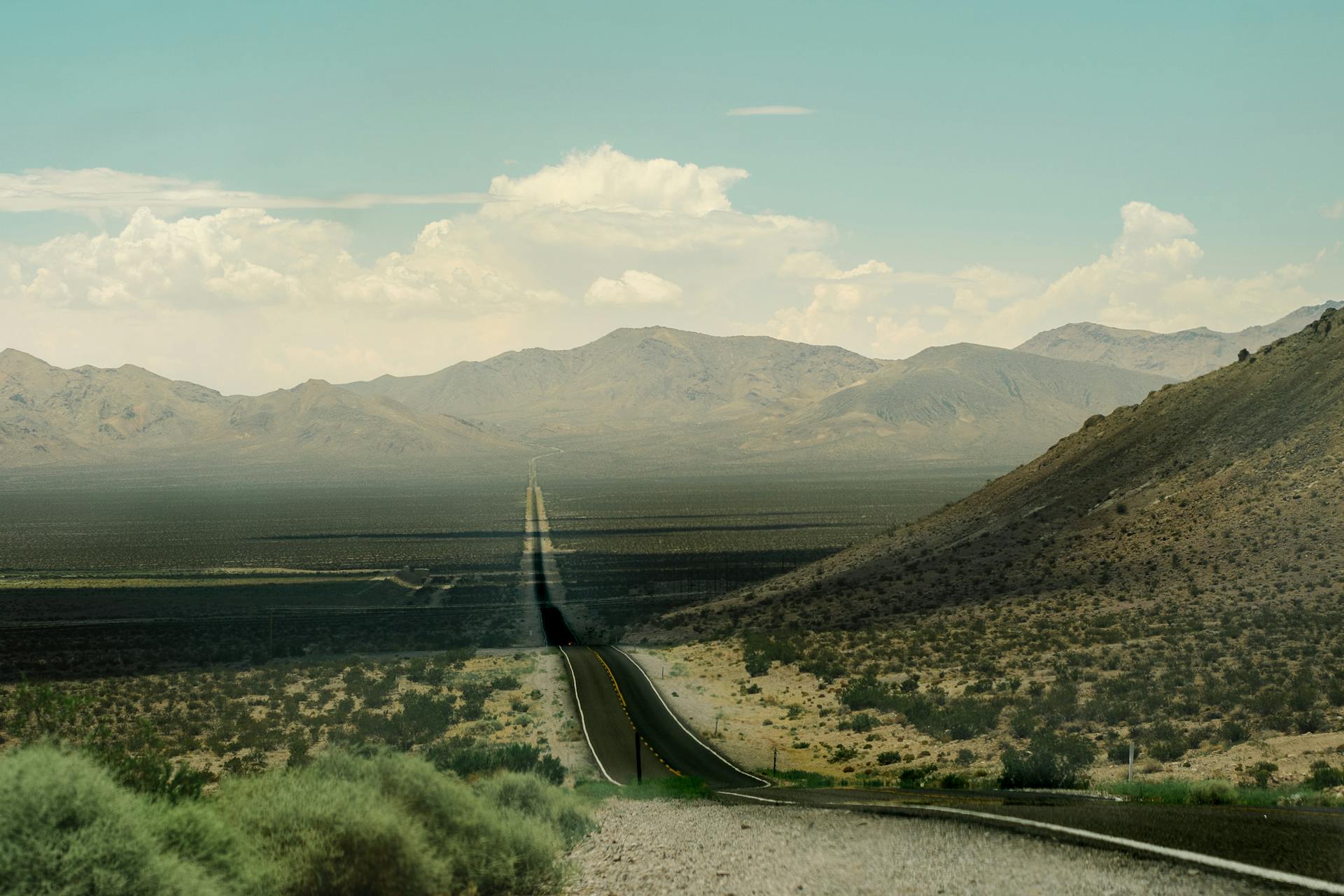

WebP's advanced compression algorithm achieves 25–35% smaller files than JPG at the same visual quality. Google developed WebP specifically for the web - it supports both lossy and lossless compression, transparency, and even animation. For websites, this means faster page loads, better Core Web Vitals scores, and lower hosting bandwidth costs.
Convert JPG to WebP Online - Free & Instant
Convert your JPG (JPEG) images to WebP format - Google's modern image format built for the web. WebP delivers 25–35% smaller file sizes than JPG at equivalent visual quality, making it the preferred format for websites, apps, and digital platforms. Need lossless output instead? Try our JPG to PNG converter. For the reverse direction, use WebP to JPG. This tool runs entirely in your browser - fast, free, and completely private.
⚖️ JPG vs WebP - Quick Comparison
| Feature | JPG (JPEG) | WebP |
|---|---|---|
| Compression | Lossy only | ✓ Lossy + Lossless |
| Transparency | ✗ No | ✓ Yes (alpha) |
| Animation | ✗ No | ✓ Yes |
| File Size | Baseline | ✓ 25–35% smaller |
| Best For | Universal compatibility | Web performance, modern apps |
| Browser Support | 100% universal | ✓ 97%+ (all modern) |
| Color Depth | 24-bit | ✓ 24-bit + alpha |
JPG remains the universal standard - every device, browser, and app supports it. It's still the right choice when maximum compatibility is needed, such as email attachments or legacy systems. WebP is the modern web standard - supported by Chrome, Edge, Firefox, Safari, and all major browsers since 2020. It delivers the same visual quality as JPG at 25–35% smaller file sizes, which directly improves page speed, SEO rankings, and user experience. WebP also supports transparency (like PNG) and animation (like GIF), making it a versatile all-in-one format. For web-focused projects, WebP is almost always the better choice.
🎯 When to Use WebP
WebP is purpose-built for web performance. Here are the scenarios where it shines brightest:
Website Images & Hero Banners
Every image on your website - hero banners, blog thumbnails, product photos - loads faster as WebP. Google's PageSpeed Insights specifically recommends WebP as a "next-gen format" for better Core Web Vitals scores and higher search rankings.
Mobile Apps & PWAs
Mobile users on slower connections benefit most from WebP's smaller file sizes. Progressive web apps and native mobile apps use WebP to reduce download times, save device storage, and minimize data consumption for users on limited plans.
E-Commerce Product Images
Online stores with hundreds of product photos see dramatic bandwidth savings with WebP. A product catalog of 1,000 images at 300 KB each saves over 90 MB by converting to WebP - translating to faster pages and higher conversion rates.
Ad Creatives & Social Assets
Digital advertising platforms like Google Ads recommend WebP for display creatives. Smaller file sizes mean faster ad rendering, better viewability scores, and lower cost-per-impression on banner and display campaigns.
For images needing transparency without WebP, use our JPG to PNG converter. For favicon creation, try JPG to ICO.
📷 When to Use JPG Instead
WebP isn't always the answer. Here's when JPG is still the better choice:
Email Newsletters
Many email clients (especially older Outlook versions) don't render WebP images. For email campaigns, JPG remains the safest format with universal support. Use our JPG compressor to optimize email images instead.
Print & Physical Media
Print workflows, design agencies, and prepress software often don't support WebP. For print-destined images, stick with JPG or consider TIFF format for lossless archival quality with full CMYK color space support.
Legacy Systems & APIs
Older content management systems, government portals, and legacy APIs may reject WebP uploads. If compatibility with older systems is critical, JPG's universal acceptance makes it the reliable fallback. Convert back anytime with WebP to JPG.
Long-Term Photo Archives
For archival photography where format longevity matters over decades, JPG and TIFF have a 30+ year track record. WebP is newer (2010) and while widely adopted, some archivists prefer established formats for guaranteed future readability.
Need to convert WebP back to JPG for any reason? Use our WebP to JPG converter. You can also resize images to optimize for specific platforms.
💎 Key Benefits of Converting JPG to WebP
Faster Page Loads
WebP images load 25–35% faster than JPG equivalents because of smaller file sizes. Google's Lighthouse and PageSpeed Insights specifically flag JPG images that could be WebP for better performance scores.
Better SEO Rankings
Page speed is a confirmed Google ranking factor. Sites using WebP images consistently score higher on Core Web Vitals - particularly Largest Contentful Paint (LCP) - which directly impacts search visibility and organic traffic.
Transparency + Animation
Unlike JPG, WebP supports alpha transparency (like PNG) and frame-based animation (like GIF) - all in a single format with superior compression. One format to replace three.
Lower Bandwidth Costs
For high-traffic websites, the 25–35% file size reduction directly translates to lower CDN and hosting costs. A site serving 1 million page views/month can save 30–50 GB of bandwidth monthly by switching to WebP.
⚙️ Features of This Tool
- ✓ Convert single or multiple JPG files to WebP at once
- ✓ Adjustable WebP quality slider - balance size vs. visual fidelity
- ✓ Browser-based conversion using
CanvasAPI - no server uploads - ✓ Batch ZIP download: all converted WebP files in a single archive
- ✓ Custom resize options: percentage, exact dimensions, or presets
- ✓ Automatic EXIF orientation correction for rotated photos
- ✓ Works on Chrome, Edge, Firefox, Safari - all modern browsers
- ✓ Mobile-responsive: fully functional on phones and tablets
- ✓ Import via
Computer,URL,Google Drive, orDropbox - ✓ 100% client-side: zero data stored, zero tracking, complete privacy
📋 How to Use (Step-by-Step)
-
Select your images
Click "Select File" or drag files into the drop zone. Import from
URL,Google Drive, orDropboxfor cloud-hosted images. - Configure WebP settings Adjust the quality slider to control the compression level. Higher quality = larger files, lower quality = smaller files. 80% is a good default for most web use cases.
- Convert your files Click "Convert Images" to start. Each image converts locally in seconds with real-time progress tracking. No uploads to any server.
- Download WebP output Download each WebP file individually, or click "Download All (ZIP)" to bundle everything into a single archive for easy deployment.
- Re-convert if needed Want different quality settings? Click "Re-convert All" to process every image again with new options - no need to re-upload.
🔧 Technical Notes (What to Expect)
At quality level 80, WebP produces files approximately 25–35% smaller than JPG with virtually no visible difference. At quality 60, savings reach 40–50% but fine details may soften slightly. At quality 100, WebP still produces smaller files than equivalent JPG at maximum quality.
WebP is supported by Chrome (2014+), Firefox (2019+), Edge (2018+), Safari (2020+/Big Sur), and Opera. Coverage exceeds 97% of global web traffic. For the remaining 3%, implement fallback using the HTML <picture> element with JPG as the fallback source.
EXIF metadata (camera info, GPS, orientation) from the original JPG may not fully transfer to WebP during browser-based canvas conversion. Orientation is auto-corrected before conversion. For metadata-critical workflows, use desktop tools that preserve EXIF data.
Individual files up to 100 MB are supported. Since conversion runs in your browser, the practical limit depends on device memory. For large batches, process 10–20 files at a time. There are no server-side limits since everything runs locally on your device.
💡 Use Cases / Examples
WordPress site owners bulk-converting media library images from JPG to WebP for faster page loads and improved PageSpeed scores - then using Image Resizer for responsive thumbnails.
E-commerce stores converting product photography to WebP to reduce CDN bandwidth costs by 30%+ while maintaining the sharp, color-accurate images shoppers expect.
Digital marketers optimizing display ad creatives and social media banners in WebP format for faster rendering on Google Ads, Facebook, and Instagram ad platforms.
Web developers implementing next-gen image formats as recommended by Google Lighthouse, using WebP with <picture> fallback for universal browser support and optimal compression.
🔗 Related Image Tools
This converter is part of our complete image tools suite. Frequently used alongside JPG to WebP:
Built for Everyone in India
Whether you're optimizing a website, compressing product images, or building faster apps - this tool is for you.
FAQs - JPG To WebP Converter
Will converting JPG to WebP reduce image quality?
▼At the default quality setting of 80%, the visual difference between JPG and WebP is virtually imperceptible to the human eye. WebP uses a more efficient compression algorithm than JPG, so it achieves smaller file sizes while maintaining excellent visual fidelity. At quality levels below 60%, you may notice slight softening in fine details and textures, but for most web use cases the trade-off is worth the significant bandwidth savings.
How much smaller are WebP files compared to JPG?
▼WebP files are typically 25–35% smaller than equivalent JPG files at the same visual quality. For a 500 KB JPG photograph, you can expect a WebP output of approximately 325–375 KB. The exact savings depend on image content - photographs with complex textures save slightly less, while images with large flat-color areas or gradients can achieve 40–50% reduction because WebP handles those patterns more efficiently.
Do all browsers support WebP images?
▼Yes, all modern browsers support WebP. Chrome has supported it since 2014, Firefox since 2019, Edge since 2018, and Safari since 2020 (macOS Big Sur / iOS 14). Current global browser coverage exceeds 97%. For the remaining small percentage of users on very old browsers, web developers can use the HTML picture element to serve WebP with a JPG fallback, ensuring everyone sees the image correctly.
Does this tool upload my images to a server?
▼No. All conversion happens entirely in your browser using client-side JavaScript and the HTML5 Canvas API. Your images are never uploaded, transmitted, or stored on any server. The tool works completely offline once the page has loaded - you can disconnect from the internet and it will still convert images. There is zero data collection, zero tracking, and zero server-side processing involved.
Can I convert WebP back to JPG later?
▼Yes, absolutely. You can use our WebP to JPG converter to reverse the process at any time. However, keep in mind that converting from WebP back to JPG involves re-compression, which means a small amount of additional quality loss. For best results, always keep your original JPG files as the master copy and generate WebP versions from the originals whenever you need to update or re-convert them.
Does WebP support transparency like PNG?
▼Yes, WebP supports full alpha channel transparency with 8-bit precision - similar to PNG but with much smaller file sizes. However, since JPG files don't contain transparency data, converting JPG to WebP won't automatically create transparent areas. To get transparent WebP images, you would need to first add transparency in an image editor like Photoshop or Figma, then export as WebP with alpha channel enabled.
Why does Google recommend WebP for websites?
▼Google developed WebP specifically to make the web faster. Their Lighthouse audit tool and PageSpeed Insights both recommend serving images in "next-gen formats" like WebP because the smaller file sizes directly improve Core Web Vitals scores - particularly Largest Contentful Paint (LCP). Faster-loading pages rank higher in Google search results, provide better user experience, and have lower bounce rates on mobile devices.
Is WebP lossy or lossless?
▼WebP supports both lossy and lossless compression - it is one of the few image formats that offers both modes. Lossy WebP achieves 25–35% better compression than JPG, while lossless WebP achieves 26% better compression than PNG. Our converter uses lossy compression by default (adjustable via the quality slider) since most users want the smallest possible file size for web deployment while maintaining visual quality.
Can I use WebP images in WordPress?
▼Yes, WordPress has supported WebP image uploads natively since version 5.8 (released July 2021). You can upload WebP files directly to the Media Library and use them in posts, pages, and featured images. Many WordPress performance plugins like ShortPixel, Imagify, and EWWW also offer automatic JPG-to-WebP conversion and serving with fallbacks for older browsers that don't support the format.
Are there file size limits for this converter?
▼Individual files up to 100 MB are supported. Since all processing happens in your browser, the practical limit depends on your device's available RAM and processing power. Very large batches of high-resolution images may cause slowdowns on devices with limited memory. For best performance, we recommend converting 10–20 images at a time on mobile devices, and up to 50+ on desktop computers with 8 GB or more RAM.
Does WebP support animation like GIF?
▼Yes, animated WebP is a supported feature that produces significantly smaller files than GIF animations - often 50–70% smaller at better quality with support for 24-bit color (GIF is limited to 256 colors). However, this JPG-to-WebP converter handles static images only. For animated content, you would need to convert GIF or video sources to animated WebP using specialized tools designed for frame-by-frame processing.
Other Tool Categories
Image Tools
Convert, compress, and resize images in multiple formats - JPG, PNG, WebP, ICO, and more.
Salary Calculators
Calculate in-hand salary, CTC breakup, tax deductions, and more for Indian employees.
Unit Converters
Convert length, weight, temperature, speed, volume, and 200+ measurement units instantly.
Text Tools
Count words, convert case, generate lorem ipsum, find & replace text, and more writing utilities.
Start Converting to WebP
Convert your JPG images to Google's WebP format - smaller files, faster pages, better SEO. Free and browser-based.
🚀 Convert to WebP